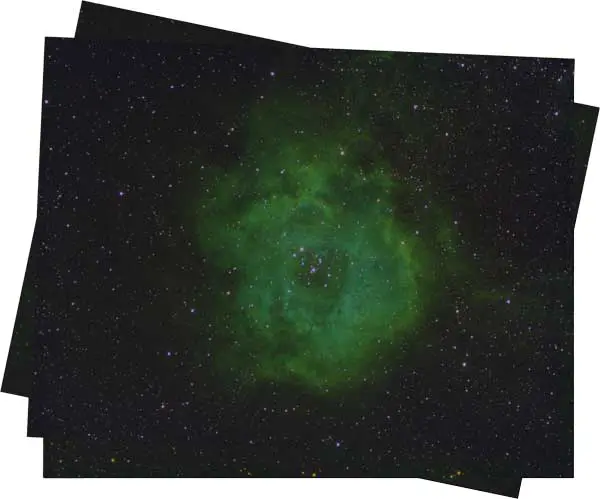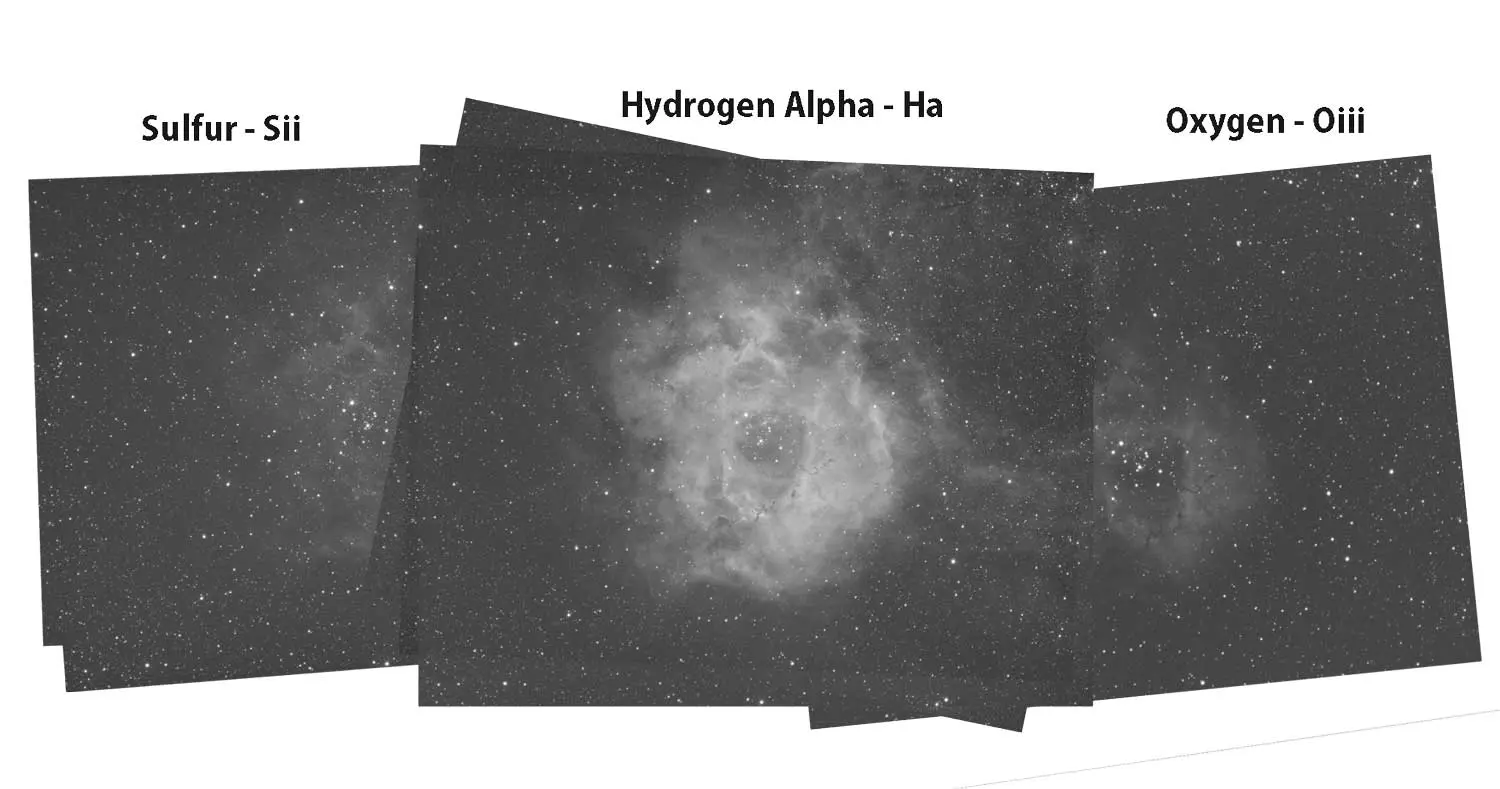
So you collected your narrowband images and now it’s time to stack and combined them into one image… I have compared both Deep Sky Stacker (free) and Astro Pixel Processor and both have advantages, but APP is by far better for complex stacking of your data. You took so long to capture it, why not get the best results you can when it’s stacked?
APP does a great job not only on creating your stack, but also combined them into an RGB image toward the end. While not a tutorial guide here on stacking, I do prefer to do a final RGB Combine in APP and to keep my stretch minimal at around 10% before saving. I prefer to use Photoshop to control the stretching to my liking.
Typical Astro Pixel Processor Settings
- Standard stack them or mosaic mode
- Use all calibration files I have (Darks, Bias, Bad Pixel Map, Flats)
- Final Combine to RGB, color palette varies from SHO, HSO, or HOO
- Stretch image slightly with low 10% default stretch
- Save out as 16 bit file for Photoshop
Want to learn more on APP or compare DSS vs APP? Follow links below.